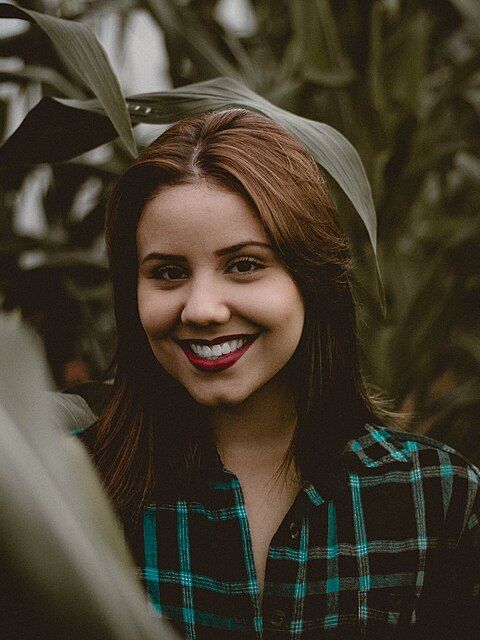
Social presets
Posts, stories, covers, banners and thumbnails for every big platform, with fit, fill or stretch.
Your account has been deleted.
Resize to exact pixels or social media presets, crop to the perfect ratio, straighten a horizon and flip in seconds.
Resize and Crop tools
Open Resize, Bulk Resize or Crop
Type a size, choose a social preset or drag a crop frame
Save at the new size; a batch comes as one ZIP
Your pictures are processed by your own browser. Nothing is uploaded, stored or shared.
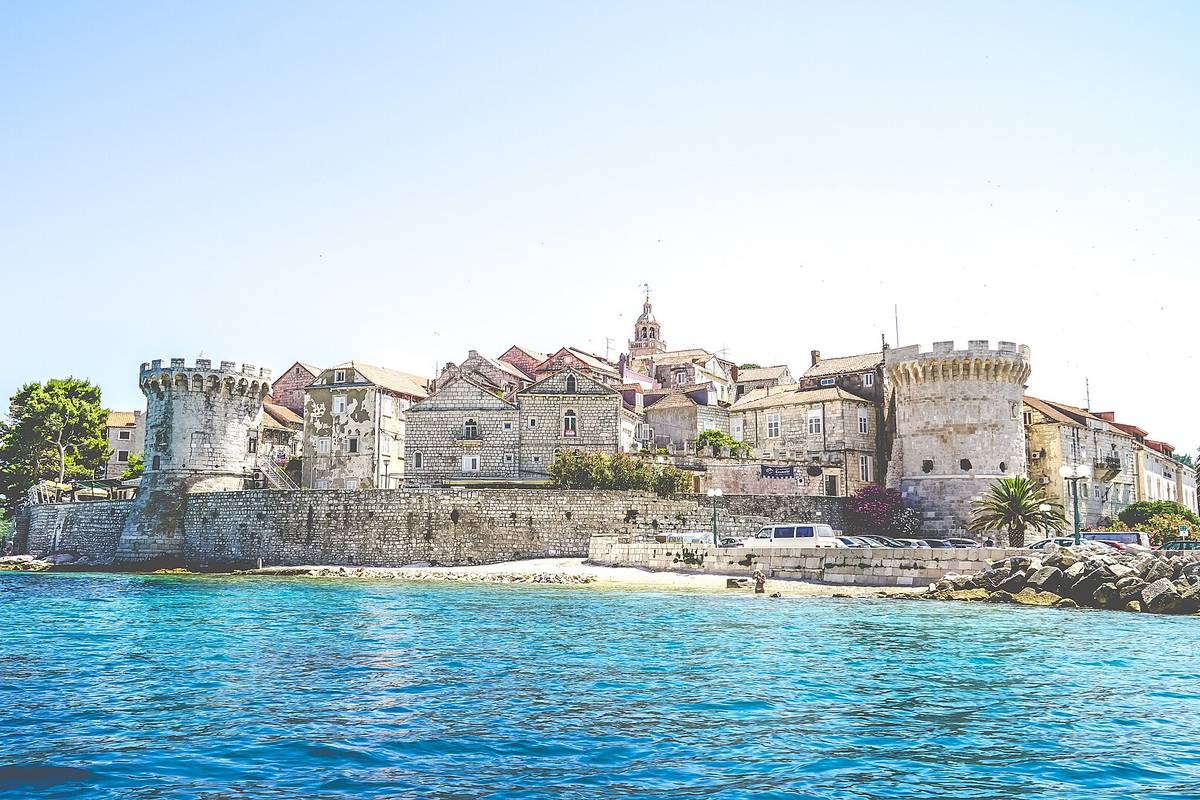 Before
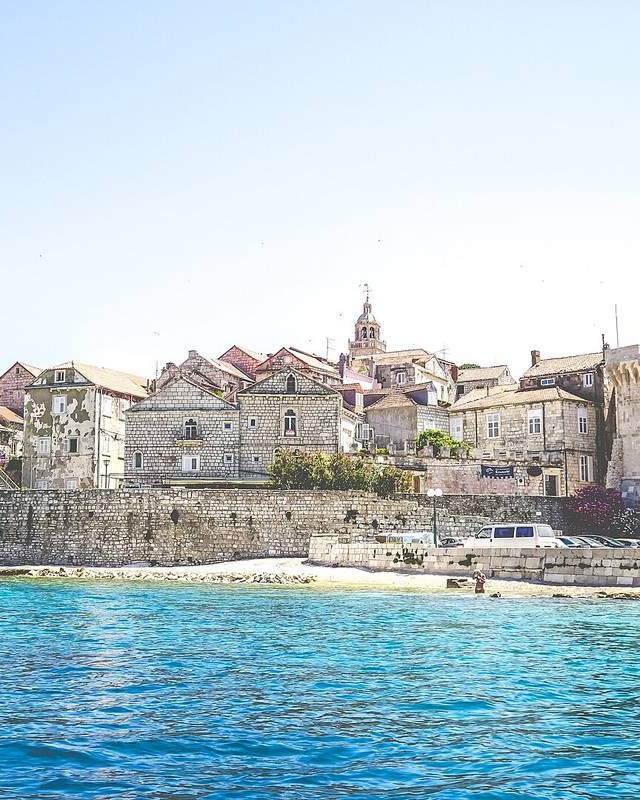 After
Exact sizes, social presets and clean crops.
| Tools | 3 built, 3 planned |
|---|---|
| Opens | JPG, PNG, WebP, AVIF, GIF, BMP, HEIC, TIFF |
| Saves as | JPG, PNG, WebP |
| Pictures | Up to 50 at once in Bulk Resize |
| Runs on | Your device, in the browser; no picture is uploaded |
| Price | Free, no account needed |
Resize changes the number of pixels and keeps everything in the picture. Crop cuts parts away to change the shape. Resize with Fill and crop does both in one go.
Making a picture smaller keeps it sharp. Making it much larger cannot add detail, so it will look softer.
The Resize Image presets cover Instagram posts, portraits and stories, Facebook covers, X posts and headers, LinkedIn banners, YouTube thumbnails and Pinterest pins.
Yes, with Bulk Resize: up to 50 pictures, one size, one ZIP.
Not yet. A Circle Crop tool is planned next; for now the Border tool’s rounded corners come closest.
Posts, stories, covers, banners and thumbnails for every big platform, with fit, fill or stretch.
Drag the frame, pick a ratio, straighten up to 45°, rotate and flip, at full resolution.
Give a whole folder the same size and grab them all in one ZIP.
Ready when you are
Free, private and instant. Drop a picture anywhere on this page or paste one, then pick what to do with it.