

Watermark in bulk
Text or logo, placed or tiled across the image, applied to a whole batch at once.
Your account has been deleted.
Watermark a portfolio, caption a picture, frame it, make a meme or arrange a collage, one photo or a whole batch.
Create tools
Choose what to add: a watermark, text, a border, meme captions or a collage
Style it and place it on the picture while the preview updates
Save one picture, or a ZIP when you watermark a batch
Your pictures are processed by your own browser. Nothing is uploaded, stored or shared.
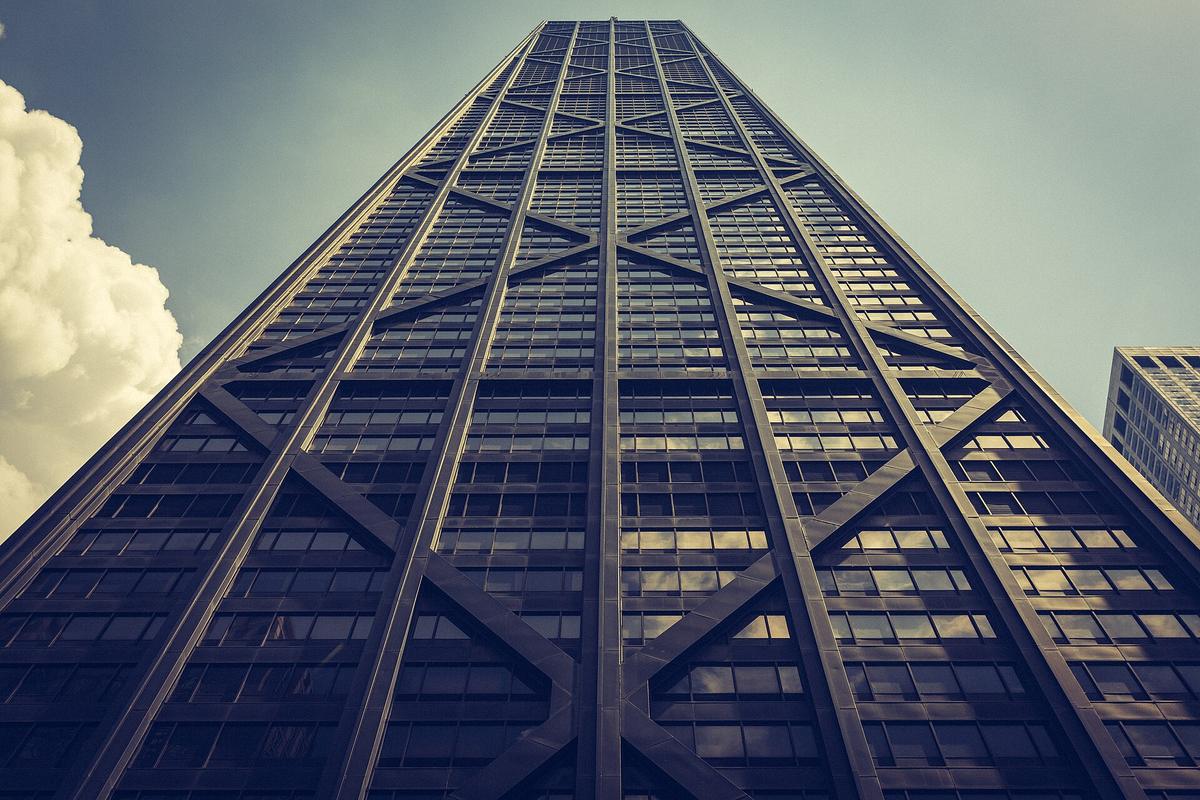 Before
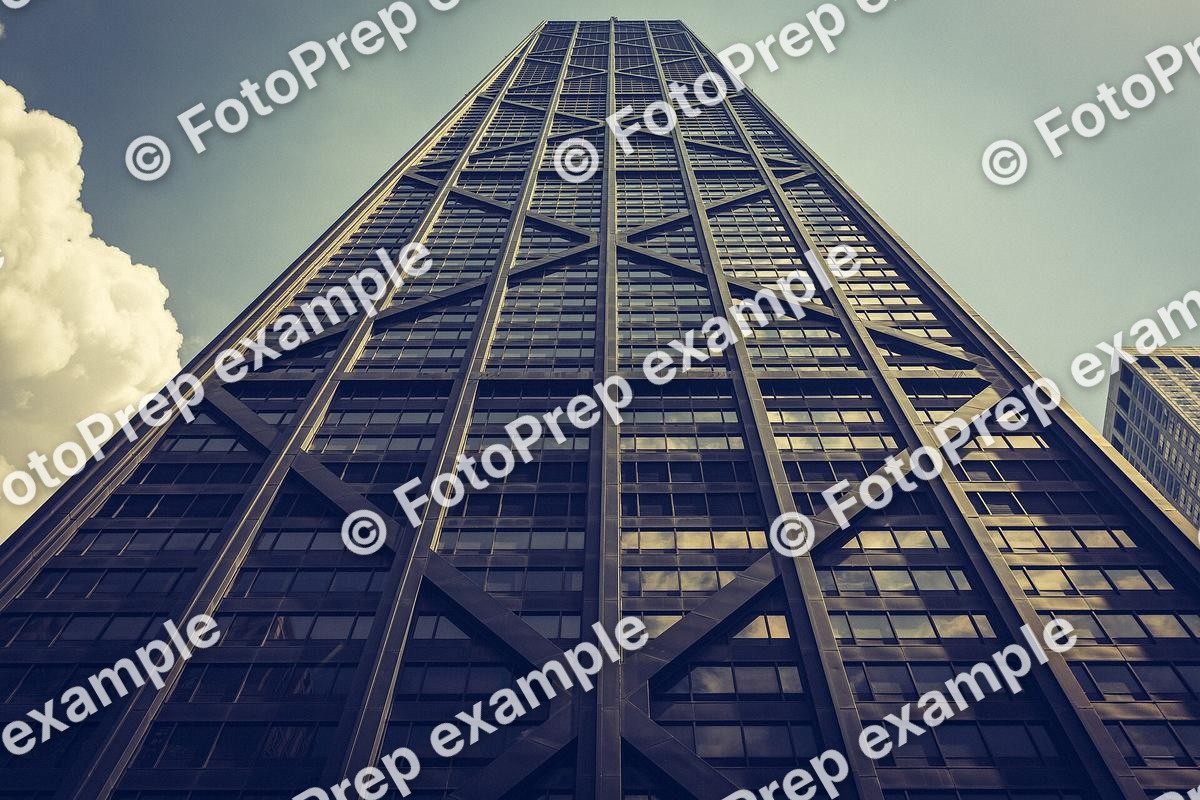 After
Watermarks, text, borders, memes and collages.
| Tools | 5 built, 3 planned |
|---|---|
| Opens | JPG, PNG, WebP, AVIF, GIF, BMP, HEIC, TIFF |
| Saves as | JPG, PNG, WebP |
| Pictures | Up to 50 at once in Watermark |
| Runs on | Your device, in the browser; no picture is uploaded |
| Price | Free, no account needed |
It is now called Create. The tools and their addresses are the same; only the studio’s name and page changed.
Watermark takes up to 50 pictures at once. Add Text, Border and Meme work on one picture at a time, and a collage takes from two to nine.
Yes. The text is drawn into the picture itself when you save, so it looks the same wherever the picture is opened.
Watermark keeps named presets, and Add Text remembers the style you used last.
No. FotoPrep never puts its own name or logo on what you make.
Text or logo, placed or tiled across the image, applied to a whole batch at once.
Multiple text layers with fonts, outlines, shadows and boxes, dragged into place.
Borders, rounded corners, photo-print edges and 26 collage layouts.
Ready when you are
Free, private and instant. Drop a picture anywhere on this page or paste one, then pick what to do with it.