
Pro-grade compression
The same compression the big photo sites use runs right in your browser, for JPG, PNG, WebP and AVIF.
Your account has been deleted.
Shrink JPG, PNG, WebP and AVIF files by up to 90% with the same compression the big photo sites use. Set a quality, or just tell it the size you need.
Compress tools
Pick the compressor for your format, or the general one for a mix
Set a quality or a target size and watch the preview
Download the smaller files, with the saving shown for each
Your pictures are processed by your own browser. Nothing is uploaded, stored or shared.
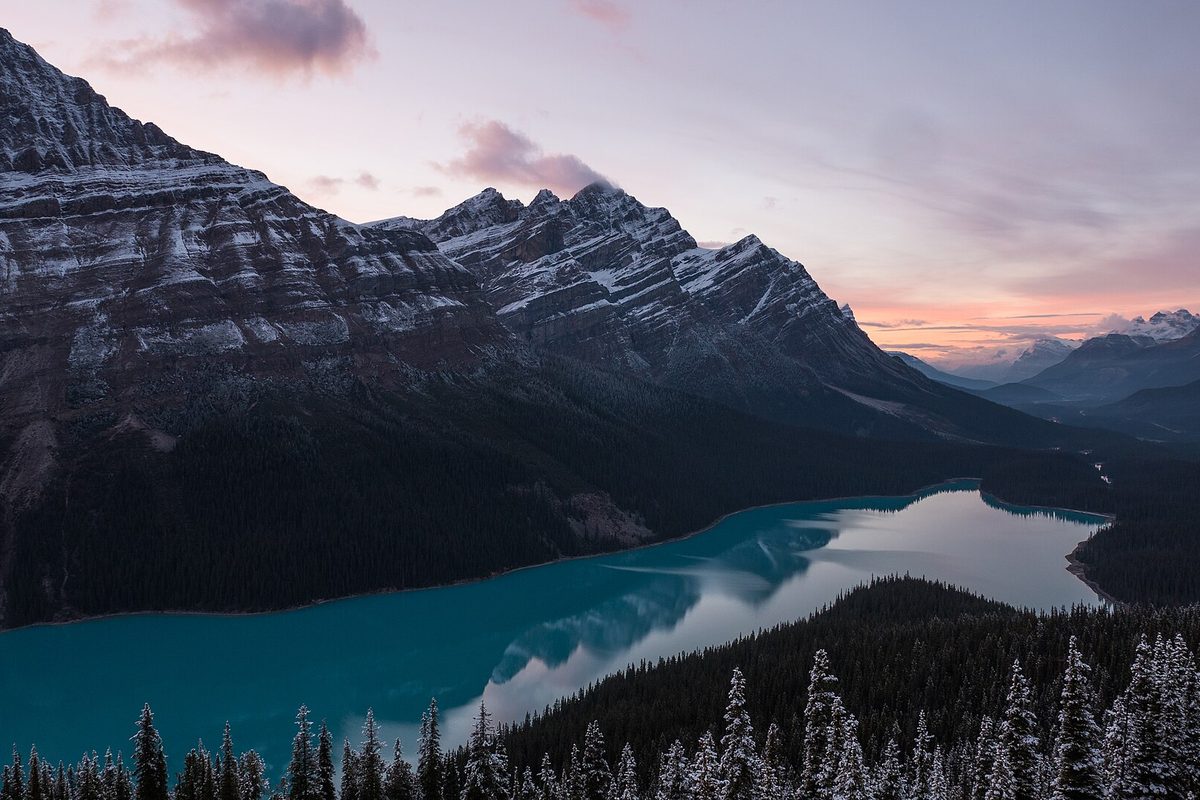 Before · 158 KB
 After · 89 KB
Make images smaller without visible loss.
| Tools | 4 built, 2 planned |
|---|---|
| Opens | JPG, PNG, WebP, AVIF, GIF, BMP, HEIC, TIFF |
| Saves as | JPG, PNG, WebP, AVIF |
| Pictures | Up to 50 at once in Image Compressor, Compress JPG, Compress PNG and Compress WebP |
| Runs on | Your device, in the browser; no picture is uploaded |
| Price | Free, no account needed |
The Image Compressor handles any mix of files and can change their format. Compress JPG, Compress PNG and Compress WebP start with the best settings for that one format.
At the default settings the difference is very hard to see. The before-and-after slider shows the result before you download it.
Type a target size in KB and the compressor finds the highest quality under it. A dedicated exact-size tool is planned.
Pictures up to 32 megapixels can be compressed, or 16 megapixels in Safari and on devices with 4 GB of memory or less.
Your photos stay with you, there is no upload to wait for, and a batch of 50 does not count against any quota.
The same compression the big photo sites use runs right in your browser, for JPG, PNG, WebP and AVIF.
Need it under 500 KB for a form? Type the size and FotoPrep finds the best quality that fits.
Drop up to 50 pictures, compare before and after with a slider, and download everything as one ZIP.
Ready when you are
Free, private and instant. Drop a picture anywhere on this page or paste one, then pick what to do with it.