
Opens the awkward files
iPhone HEIC photos, camera RAW files from Canon, Nikon, Sony and more, SVG drawings and PDF pages.
Your account has been deleted.
Turn HEIC, RAW, SVG, PDF and everyday images into exactly the format you need, without installing a thing.
Convert tools
Open the converter that matches your files
Pick the format, size or page settings you need
Download each converted file, or all of them in one ZIP or PDF
Your pictures are processed by your own browser. Nothing is uploaded, stored or shared.
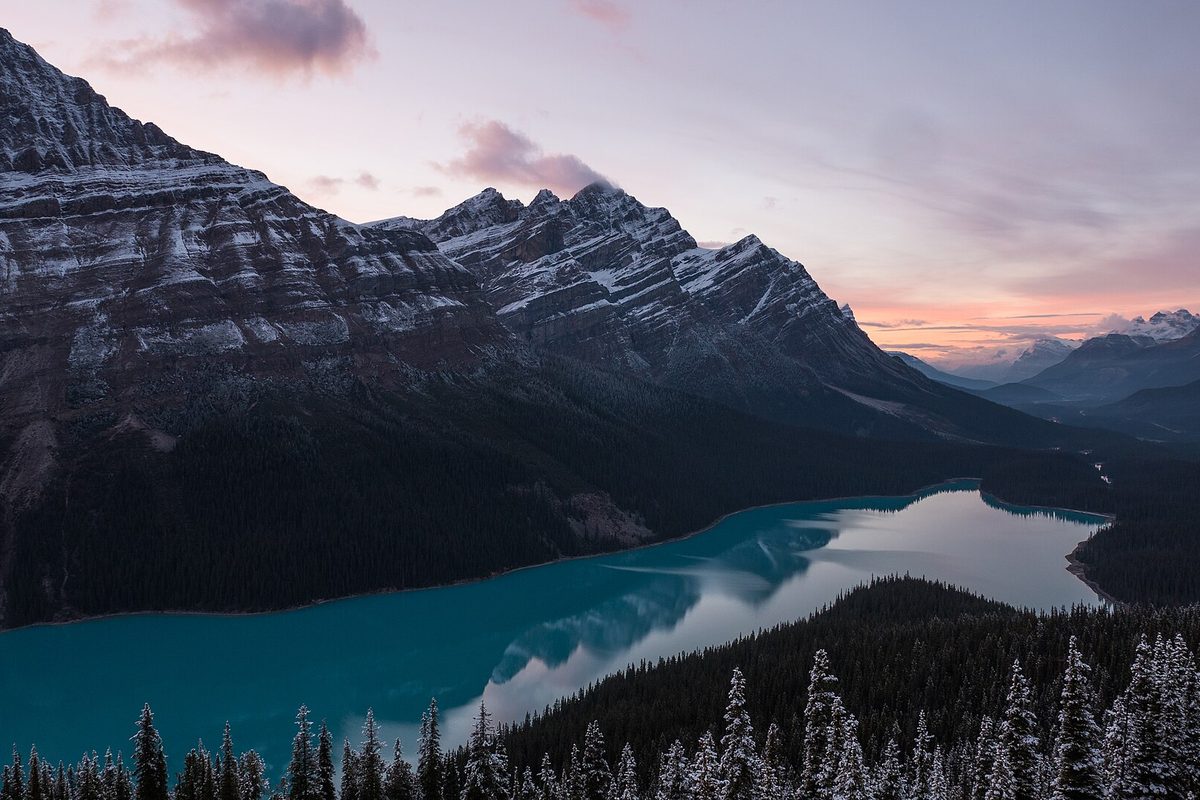 Before · 158 KB
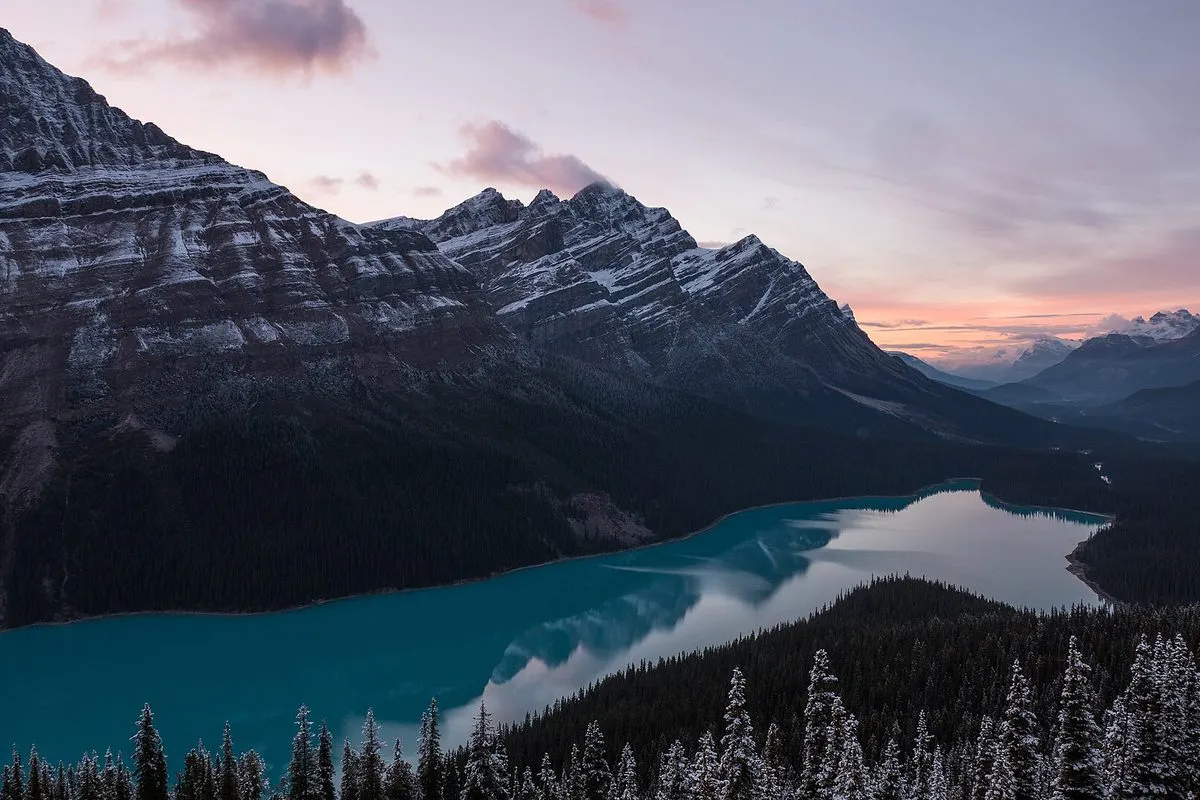 After · 127 KB
Change any picture into the format you need.
| Tools | 6 built, 11 planned |
|---|---|
| Opens | JPG, PNG, WebP, AVIF, GIF, BMP, HEIC, TIFF, SVG, ICO, camera RAW, PDF |
| Saves as | JPG, PNG, WebP, AVIF, BMP, TIFF, PDF |
| Pictures | Up to 200 at once in Image to PDF |
| Runs on | Your device, in the browser; no picture is uploaded |
| Price | Free, no account needed |
HEIC to JPG for iPhone photos, RAW to JPG for camera files, SVG to PNG for drawings, Image to PDF and PDF to Image for documents, and the Image Converter for everything else.
Saving as PNG or TIFF keeps every pixel. JPG, WebP and AVIF are compressed a little at a quality you can change.
Yes. Drop them straight onto the page; they are converted in the order you added them.
It moved to the new Colour and Web studio. Its address is the same.
Single-step pages such as WebP to JPG, PNG to JPG and HEIC to PDF are planned next, together with Image to SVG and an ICO converter.
iPhone HEIC photos, camera RAW files from Canon, Nikon, Sony and more, SVG drawings and PDF pages.
Save as WebP or AVIF for the web, PNG for transparency, TIFF for print, or a single tidy PDF.
Convert a whole set in one go and download them together.
Ready when you are
Free, private and instant. Drop a picture anywhere on this page or paste one, then pick what to do with it.