Edit up to 50 images
in one go
Drop a whole folder and watch every background disappear, one after another, right on your device.
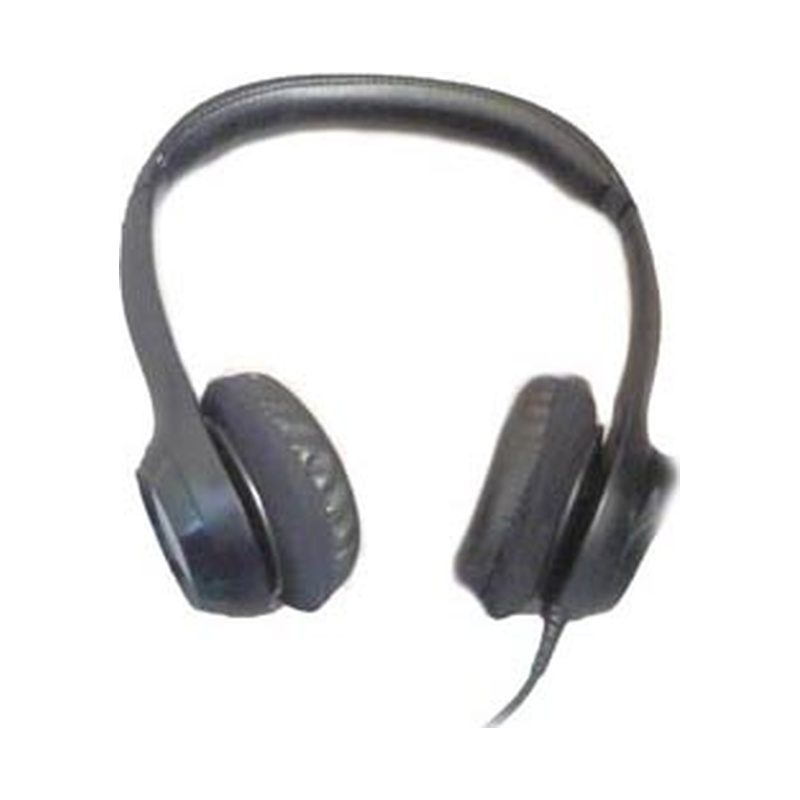
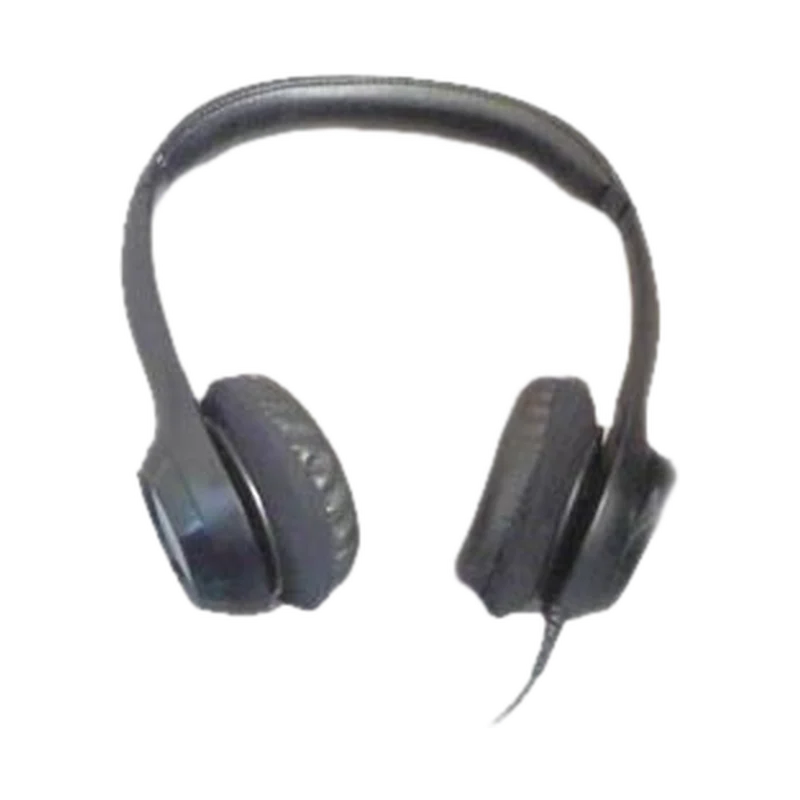
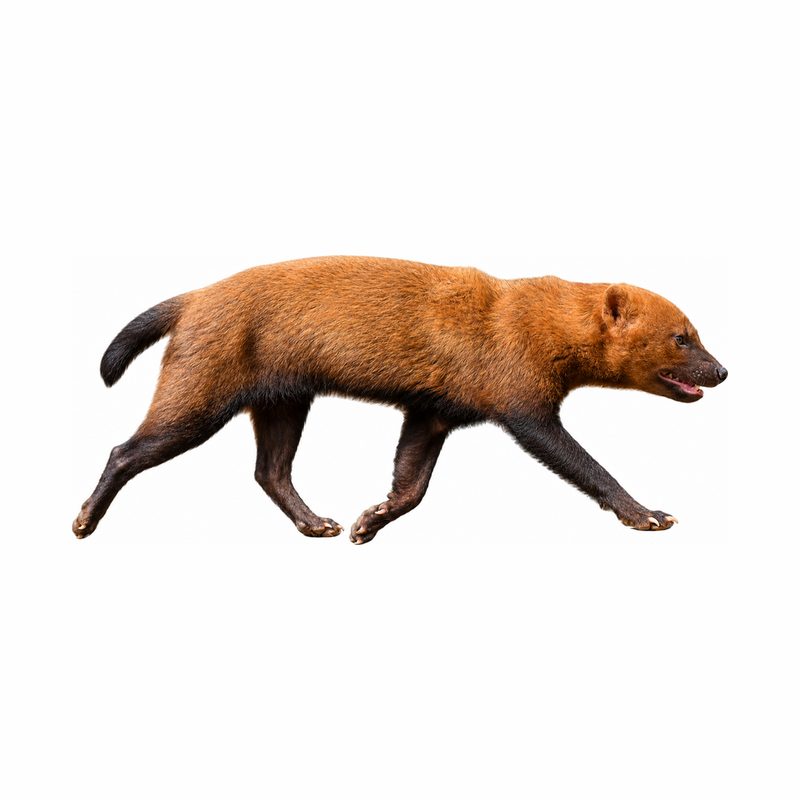
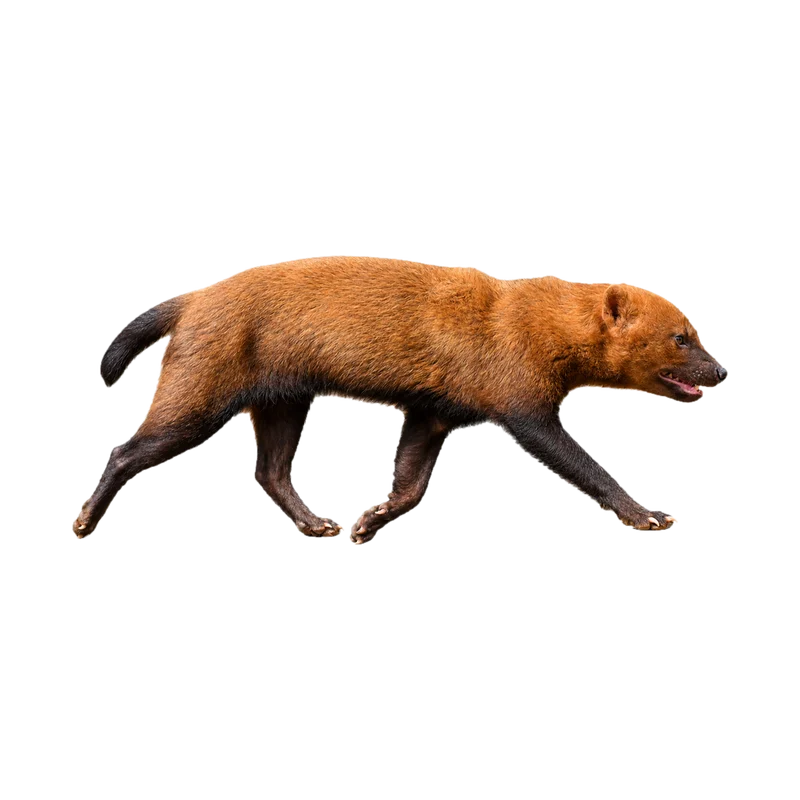
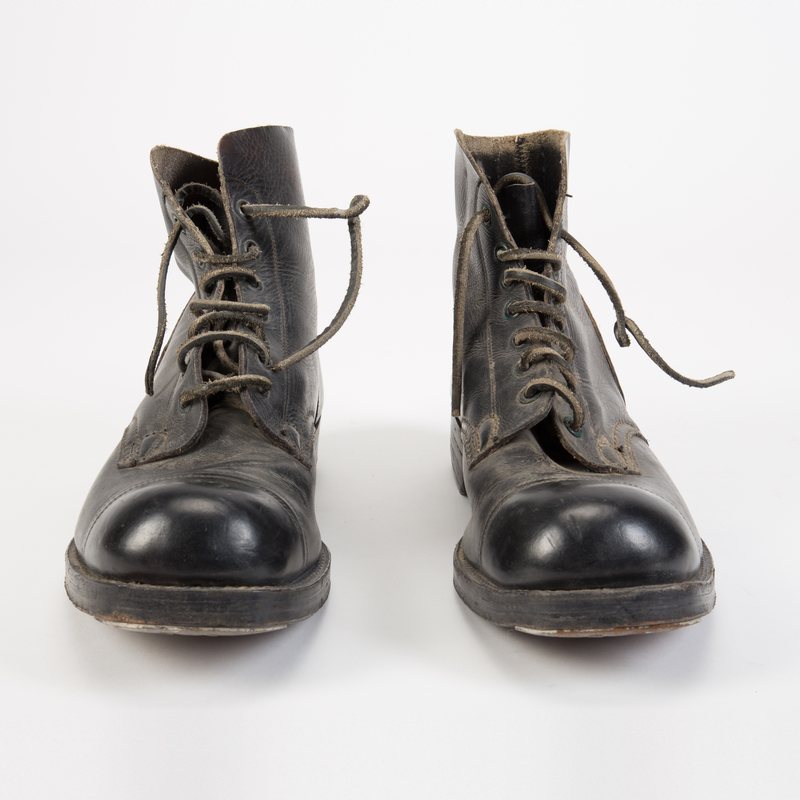
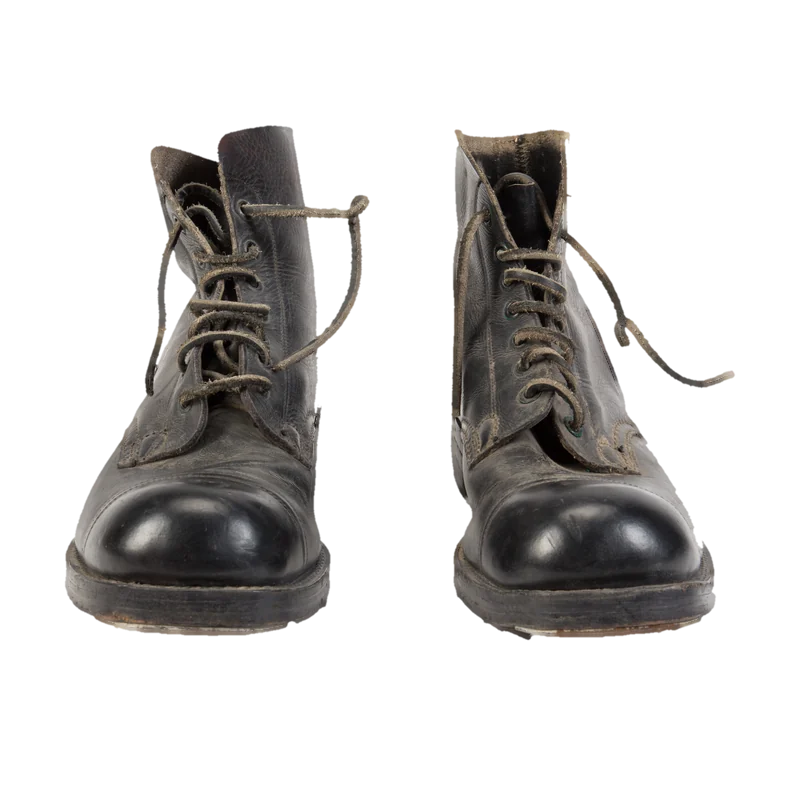
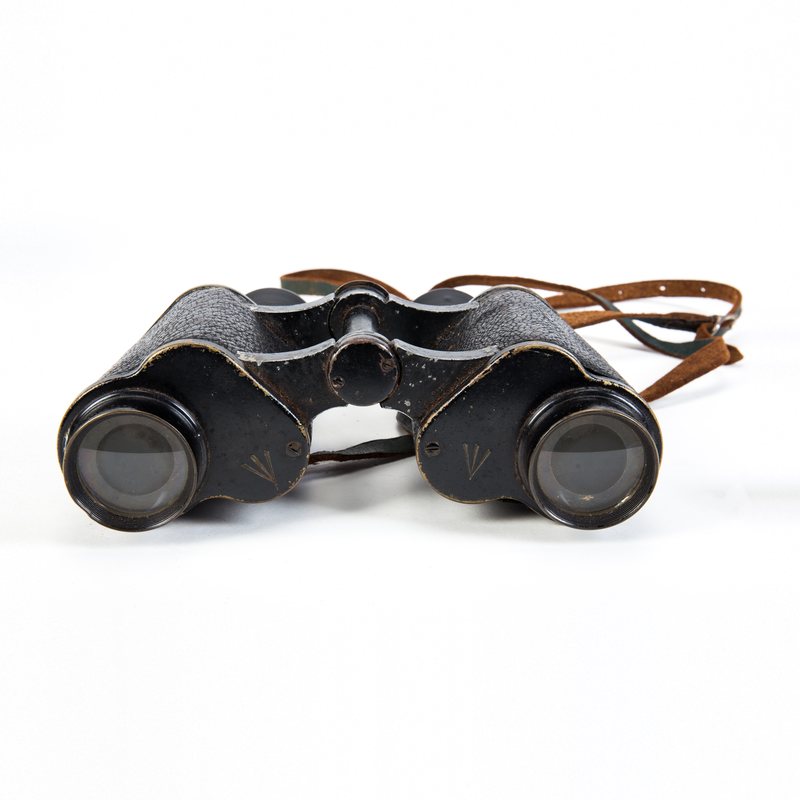
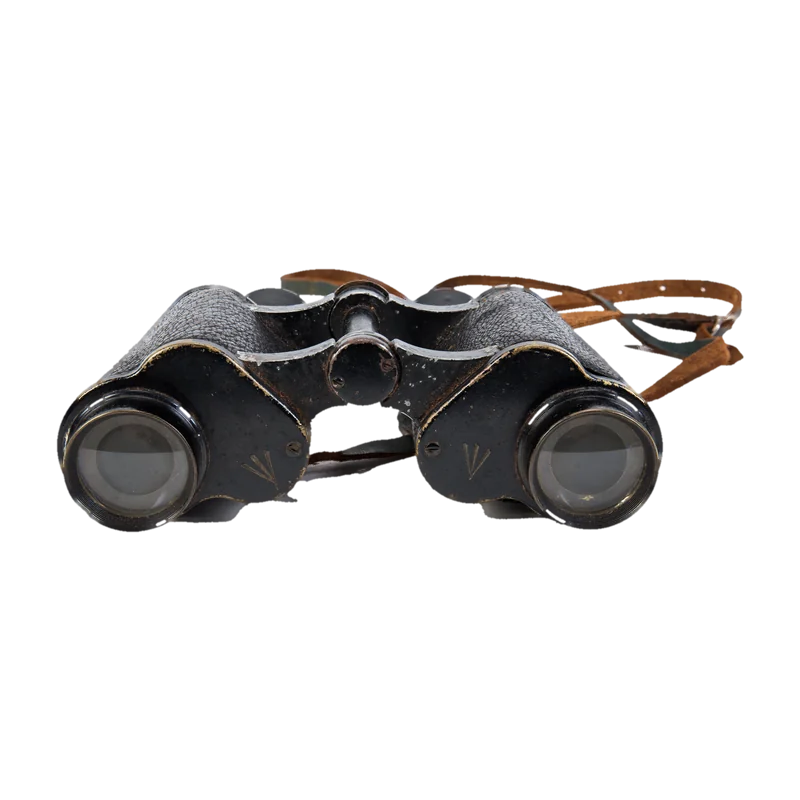
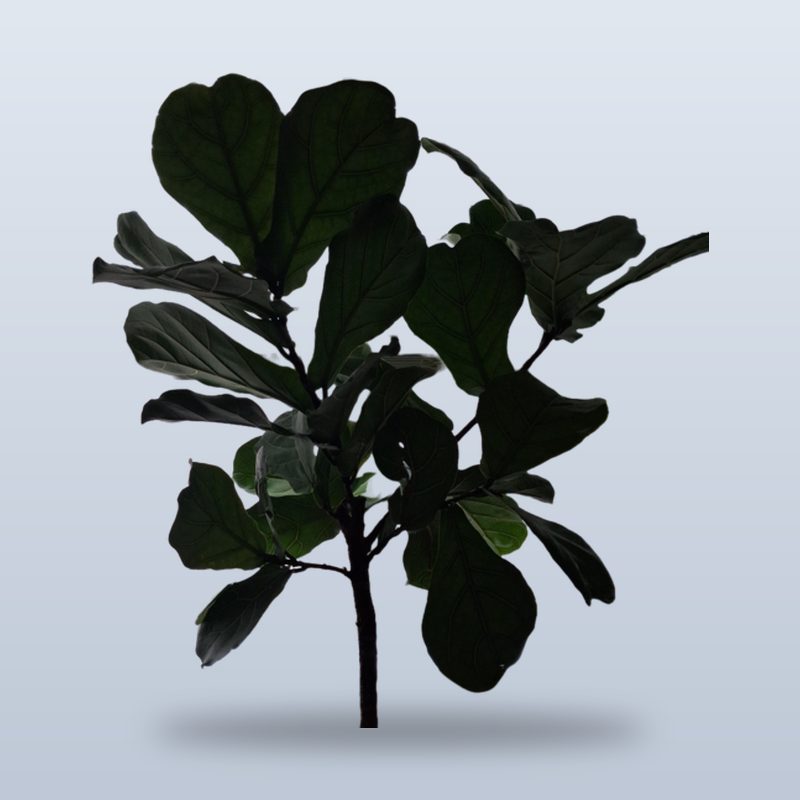
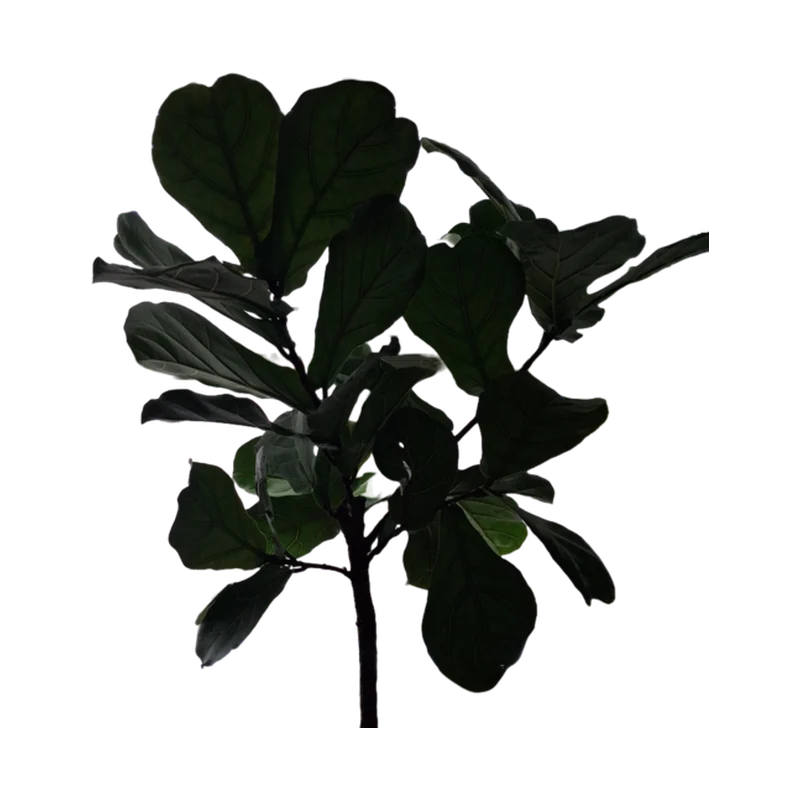
No more editing images one at a time
Bulk-edit backgrounds in one go
- Drop a whole folder of images and every background is removed, one picture after another
- Get every result as a transparent PNG, or all of them in one ZIP file
- Add up to 50 images at a time
- Add a new colour backdrop to any result
- Free for everyone, no account needed
Select many files at once, choose a folder, or drop a folder onto the page.
Each picture is processed in turn while you keep working.
Download each finished picture as a PNG, or all of them at once as a ZIP file.
How it works
- 1
Choose a folder or drop up to 50 pictures at once
- 2
Each picture is cut out on your device, one after another
- 3
Check the list, then download every cut-out in one ZIP
Your pictures are processed by your own browser. Nothing is uploaded, stored or shared.
Typical uses
- A whole product catalogue on white or clear
- Team photos with matching backgrounds
- Event or school photos cut out for a yearbook
The facts
| Opens | JPG, PNG, WebP, AVIF, GIF, BMP, HEIC, TIFF, SVG, ICO |
|---|---|
| Saves as | PNG |
| Pictures | Up to 50 at once |
| Runs on | Your device, in the browser; no picture is uploaded |
| One-time download | What background removal needs: about 44 MB plus the part that runs it, downloaded once from this site and kept in your browser |
| Price | Free, no account needed |
Questions and answers
How many pictures can I do in one go?
Up to 50. If you add more, the rest are left out with a note, and you can run them as a second batch.
Can I choose a whole folder?
Yes, on a computer: choose a folder or drop one on the page, and every picture in it and its sub-folders is added. Other files are skipped.
How are the files in the ZIP named?
By default each keeps its own name. The File names box takes a pattern such as {name}-{n} if you want numbers or the date in the names.
Does a big batch need a fast computer?
Any recent computer or phone works; a batch simply takes longer on a slower one. The pictures are done one at a time so memory stays low.
Can I stop halfway?
There is no Stop button, but you can download what is finished at any time; the pictures already cut out stay in your recent uploads.
Ready when you are
Your next photo, ready in seconds
Free, private and instant. Drop a picture anywhere on this page or paste one, then pick what to do with it.