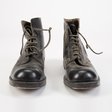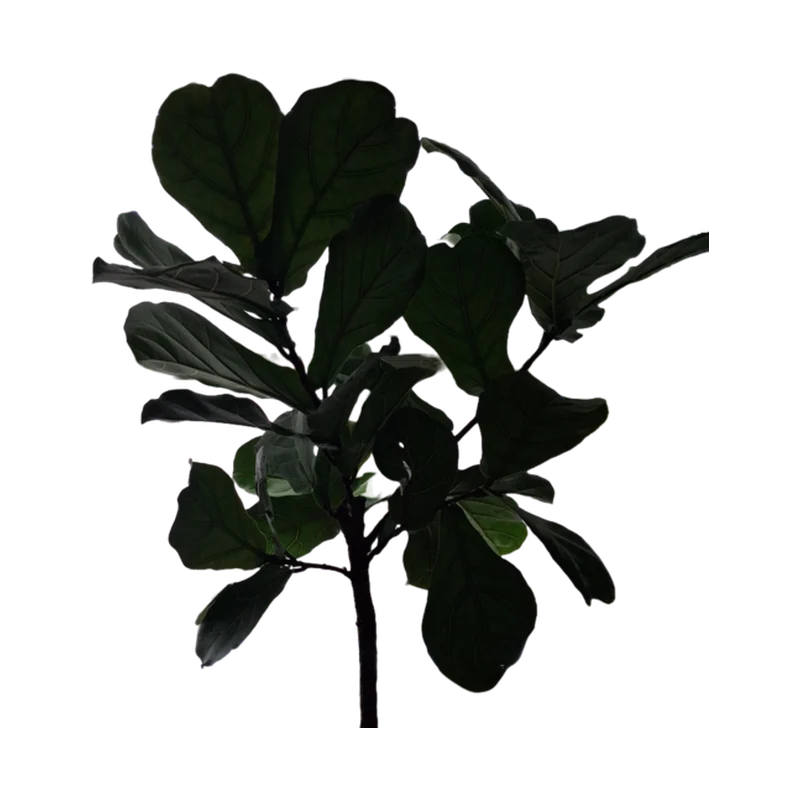
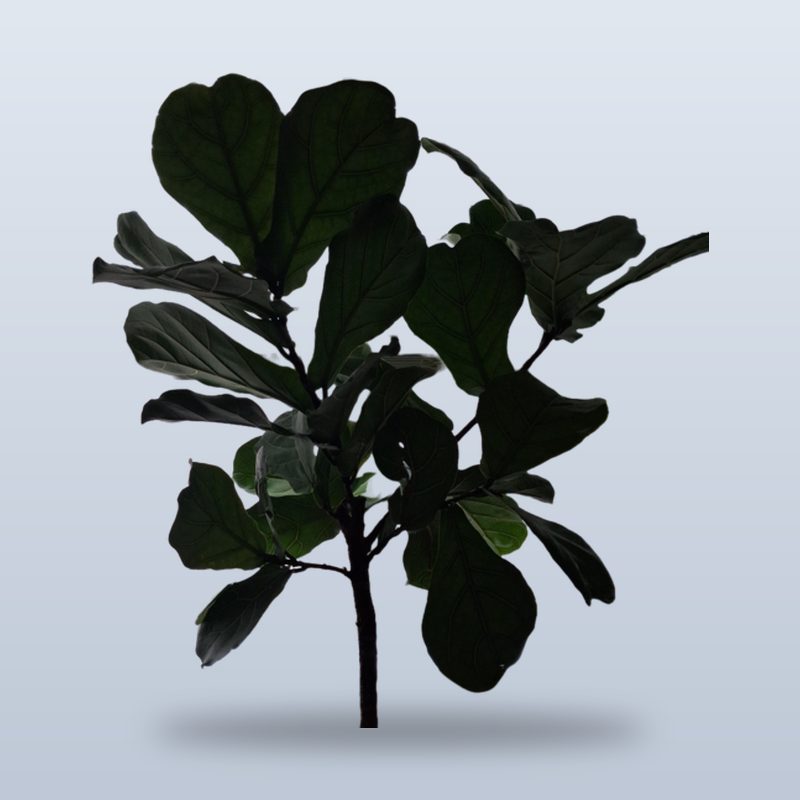
Backgrounds gone in seconds. Drop any photo and get a clean cut-out. No clicking, no tracing, no masking.
Your account has been deleted.
Cut out people, pets and products in seconds, blur what is behind them, or put them on clean white for your shop. Free, and it all runs in your browser.

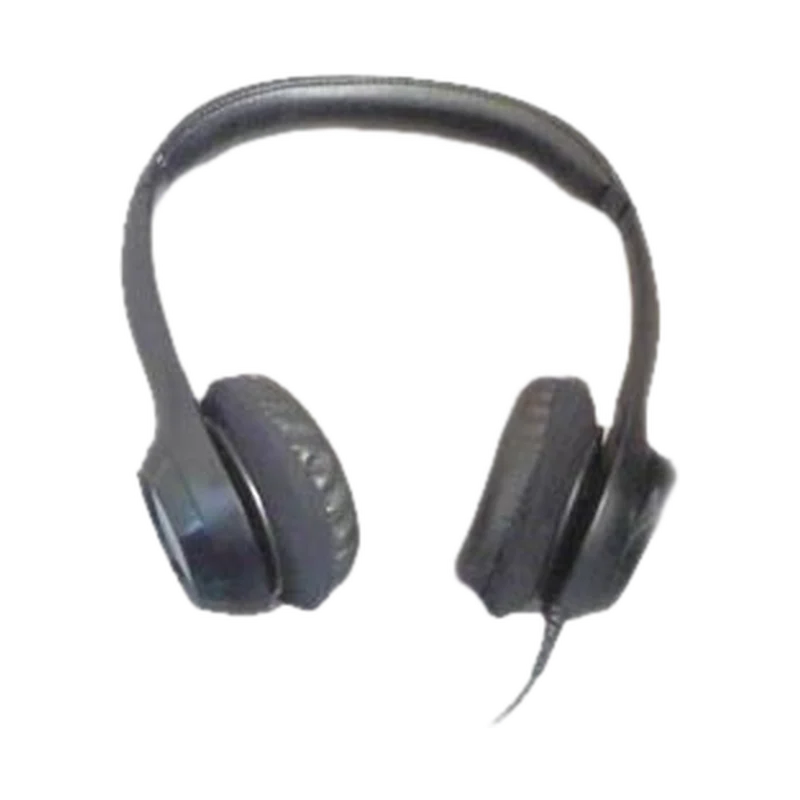
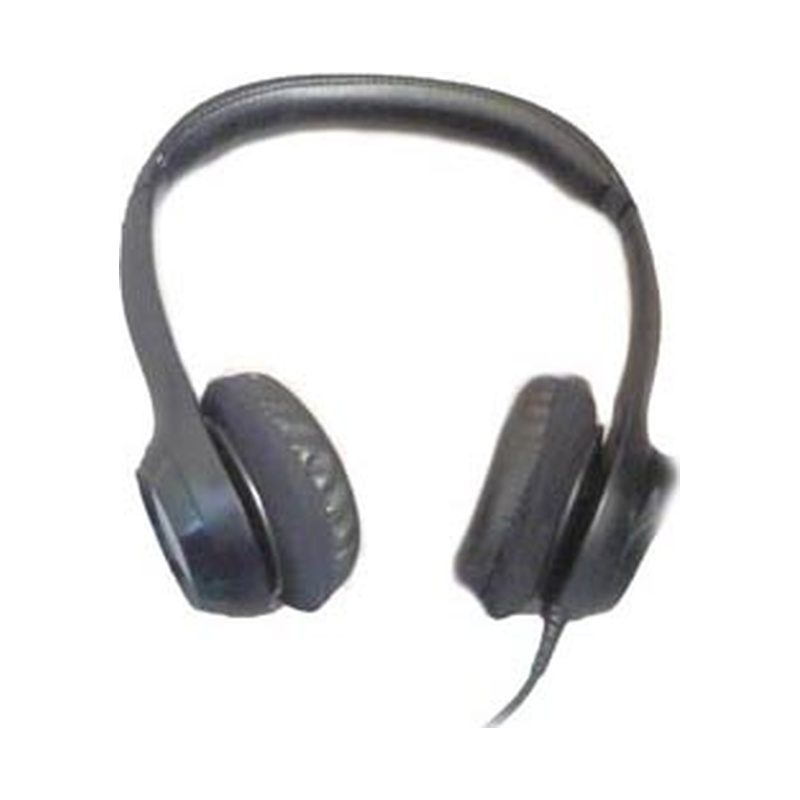
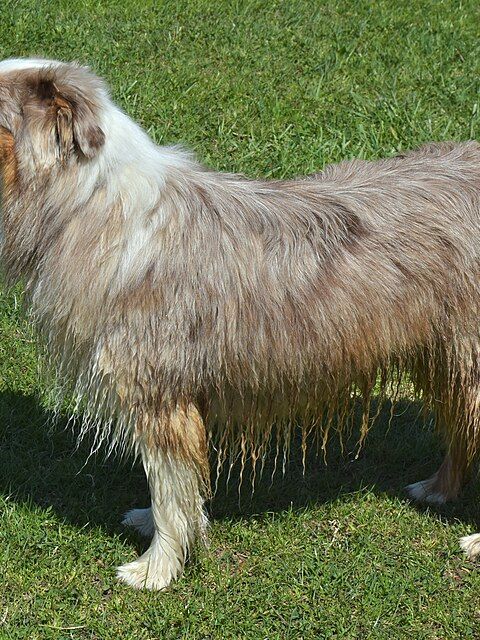
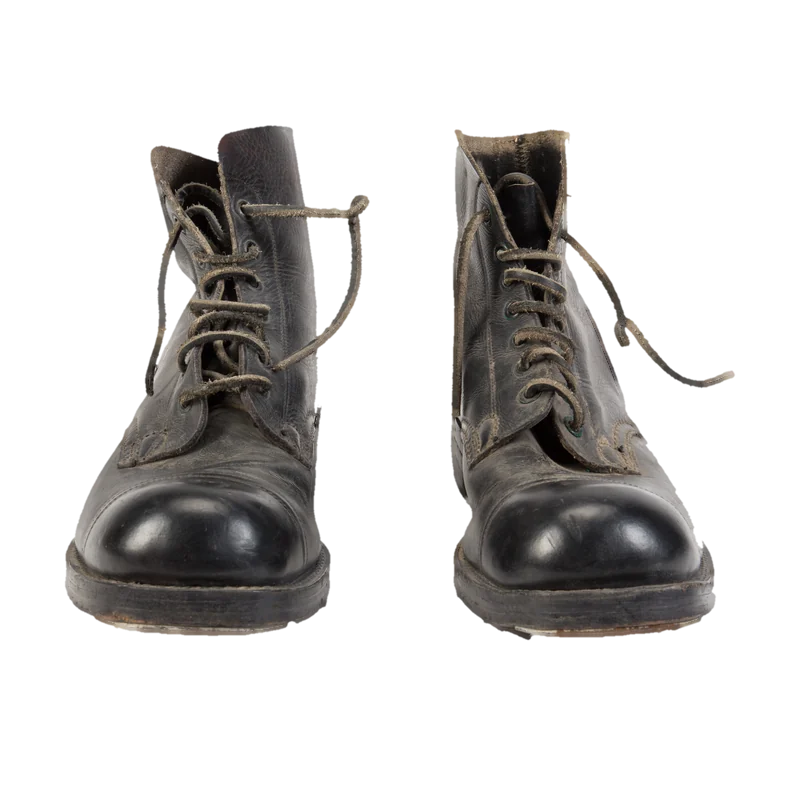
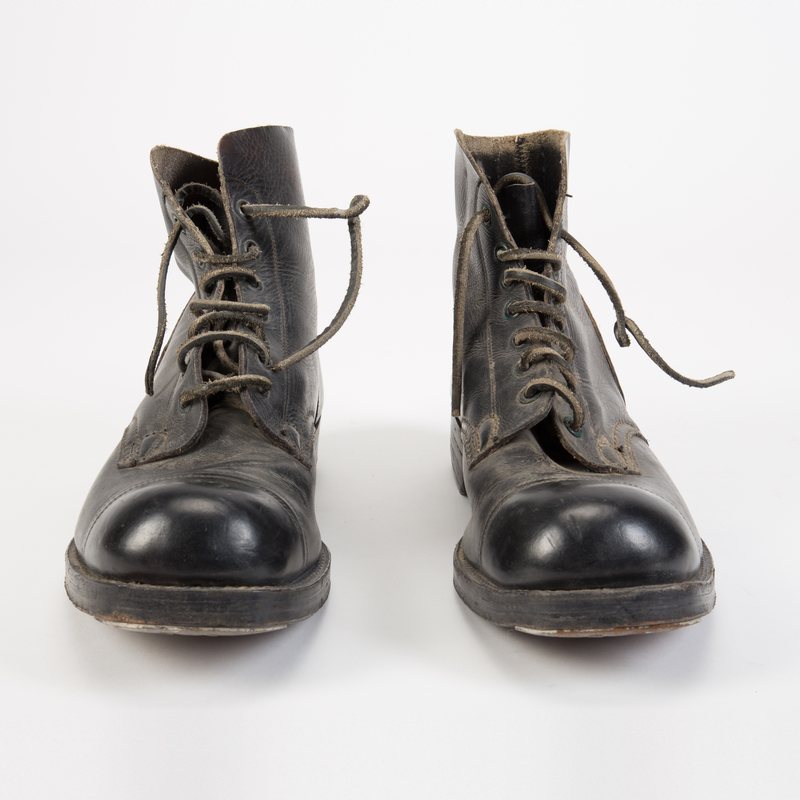

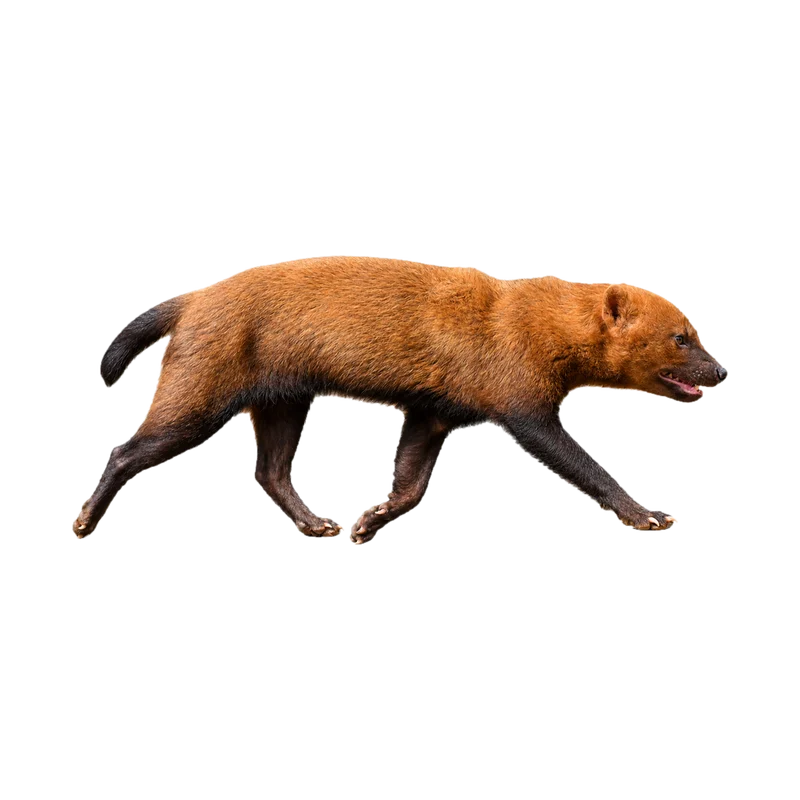
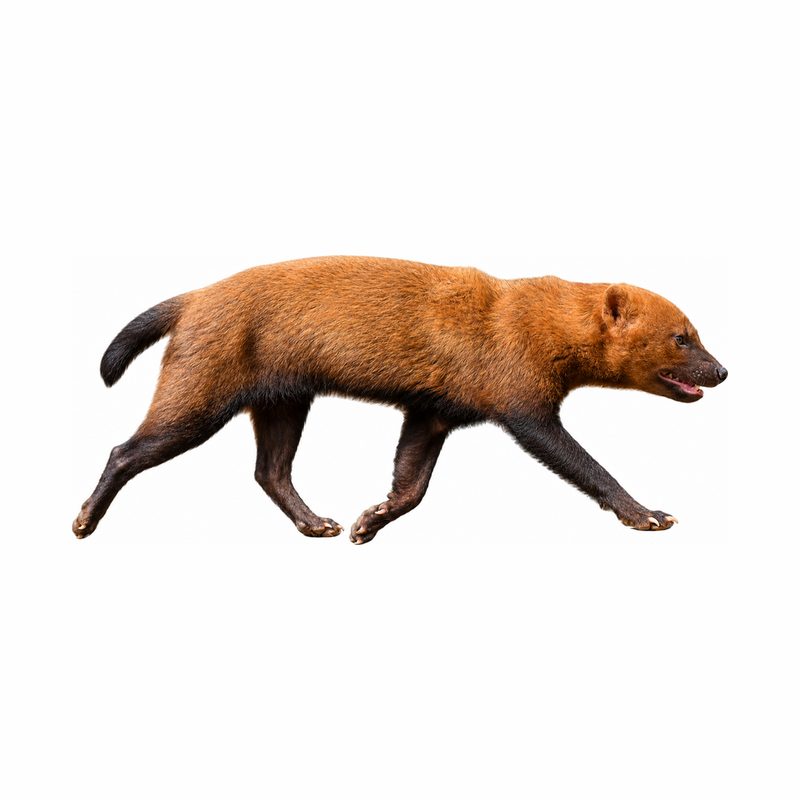

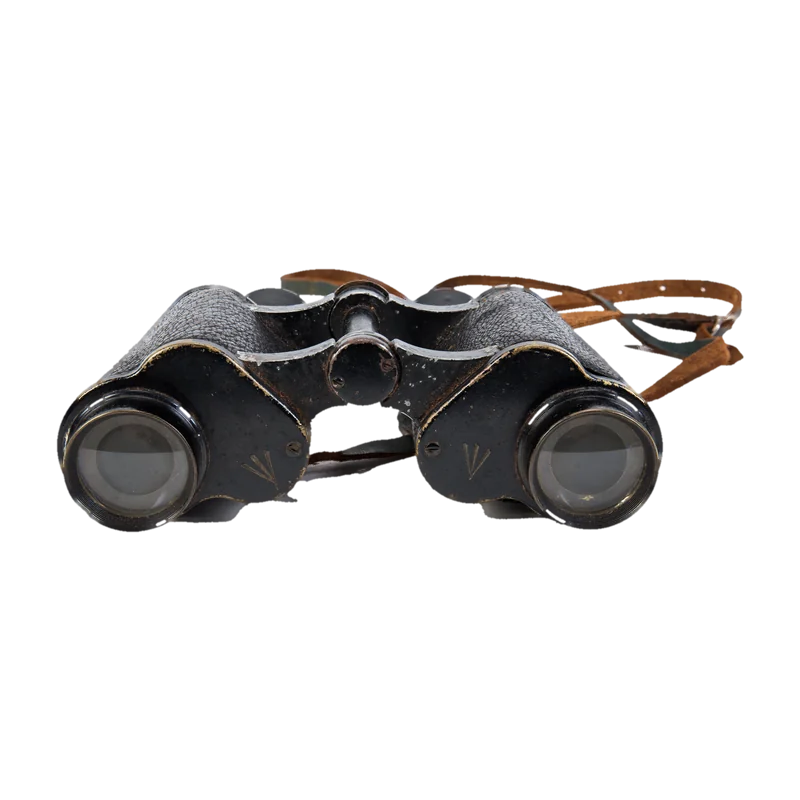
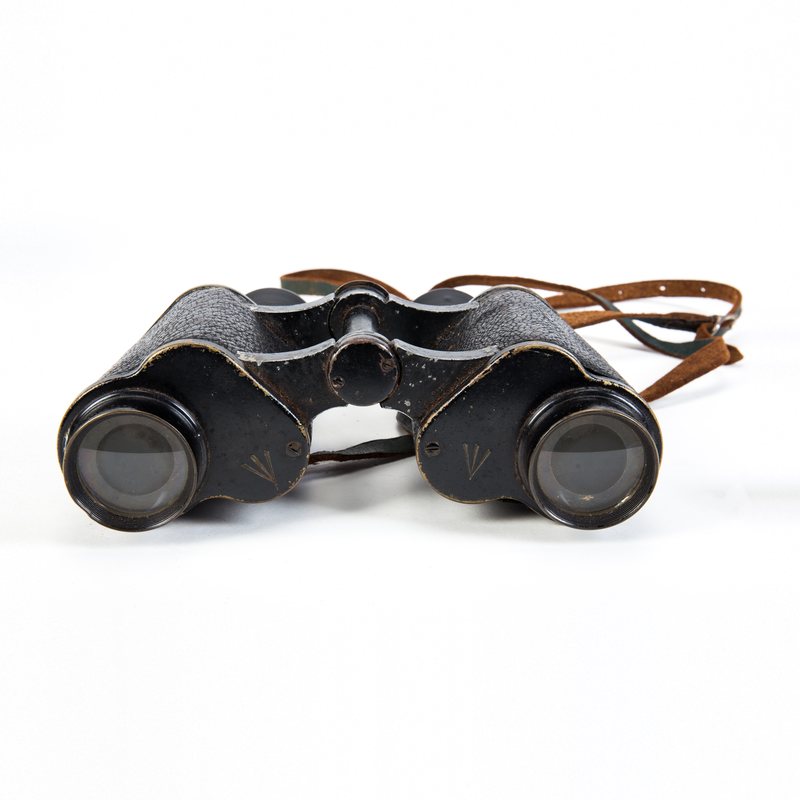

Online shops, car adverts, headshots, logos, slide decks, stickers, pet portraits, social posts, passport photos and product catalogues.
Background tools
Backgrounds gone in seconds. Drop any photo and get a clean cut-out. No clicking, no tracing, no masking.
Sharp on every edge. Drag the handle to see fur, laces and leaves come out crisp.
Any backdrop you like. Keep it transparent or drop in a colour with one click.
Everything happens on your device: pick a picture, swap the backdrop, download a PNG.
Pick the tool for the job: a cut-out, a blur, a see-through file, a logo or a marketplace shot
Your browser sets up background removal once and finds the subject in each picture
Fine-tune the edge or the backdrop and save, one picture or up to 50
Your pictures are processed by your own browser. Nothing is uploaded, stored or shared.
BeforeAfterBefore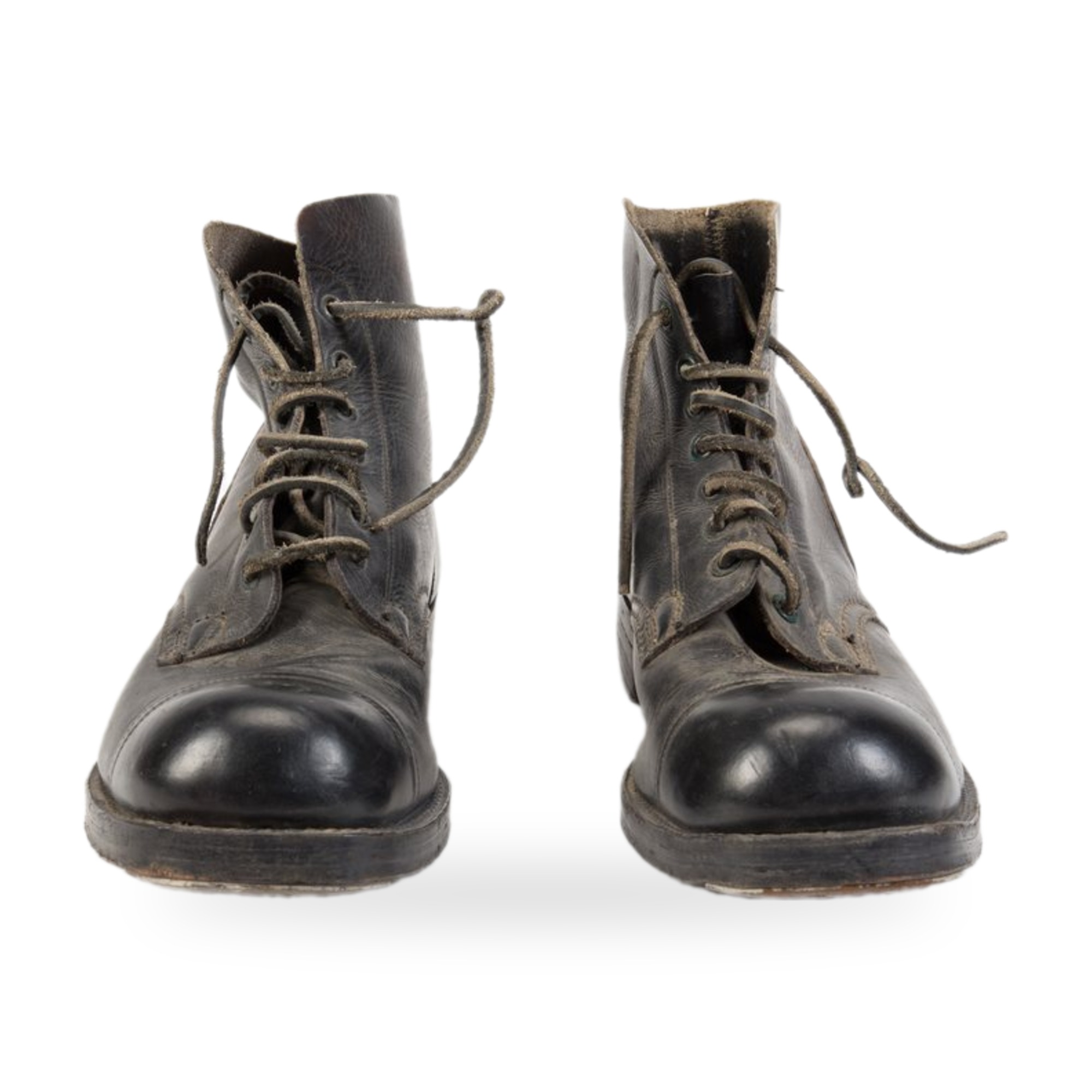 After
Cut out the subject, blur or replace what is behind it.
| Tools | 6 built, 4 planned |
|---|---|
| Opens | JPG, PNG, WebP, AVIF, GIF, BMP, HEIC, TIFF, SVG, ICO |
| Saves as | PNG, JPG, WebP |
| Pictures | Up to 50 at once in Background Remover and Bulk Background Remover |
| Runs on | Your device, in the browser; no picture is uploaded |
| One-time download | What background removal needs: about 44 MB plus the part that runs it, shared by every background tool |
| Price | Free, no account needed |
The Background Remover for a quick cut-out, Blur Background to keep the scene but soften it, Transparent Background for a see-through file, the logo tool for flat graphics, and White Background for shop listings.
Yes. They share one download, so once one background tool is set up, the others start straight away.
Yes. The Background Remover and the Bulk Background Remover take up to 50 pictures at once and put the results in one ZIP.
No. Every background tool is free, with no account needed and no watermark on the result.
Background removal guesses what the main subject is. A subject that has the same colour as what is behind it, or several subjects at once, can confuse it; a photo with a clearer contrast works better.
Ready when you are
Free, private and instant. Drop a picture anywhere on this page or paste one, then pick what to do with it.