Planned, not promised
The list below is what is planned for this studio; it may change before the tools are built.
Your account has been deleted.
Upscaling, object removal, clean-up and colourising are planned for this studio. None of it is available yet.
Open a photo that needs help: too small, noisy, faded or with something in the way
Choose what to fix and let your device do the work
Compare with the original and save the improved copy
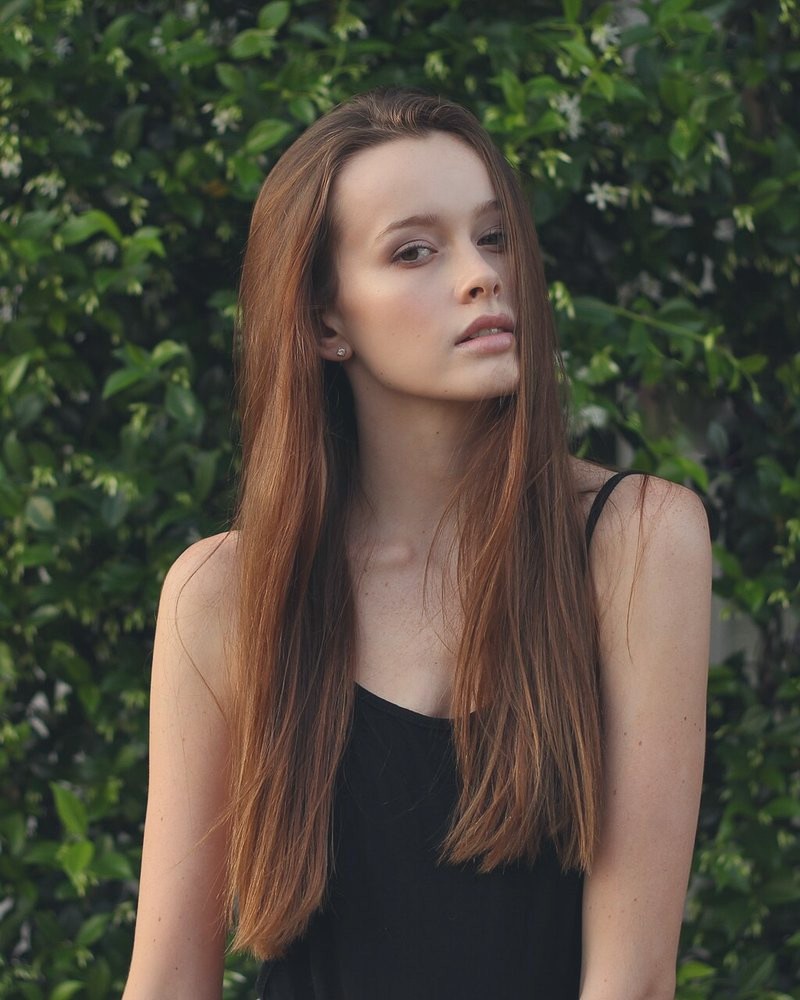
Upscale, clean up and restore photos.
| Status | Coming soon: nothing is available yet |
|---|---|
| Planned tools | 7 |
| Planned to use AI | 7 of 7 |
| Price | FotoPrep is free today |
Enlarge pictures, remove objects, clean up noise and compression marks, fix red eyes, retouch portraits and add colour to black and white photos.
They are coming soon. We do not have a date yet, and the list may still change.
That is the plan. Most of these tools will need a one-time download, as background removal does today.
The Photo Editor already sharpens, lightens shadows, adds contrast and fixes colour casts, and Curves can lift a faded photo.
FotoPrep is free today, and the plan is to keep these tools free too.
The list below is what is planned for this studio; it may change before the tools are built.
The plan is for these tools to run in your browser, like almost every FotoPrep tool today.
The Photo Editor already sharpens, lifts shadows and fixes colour casts.
Ready when you are
Free, private and instant. Drop a picture anywhere on this page or paste one, then pick what to do with it.